
One Workspace for Every Shift
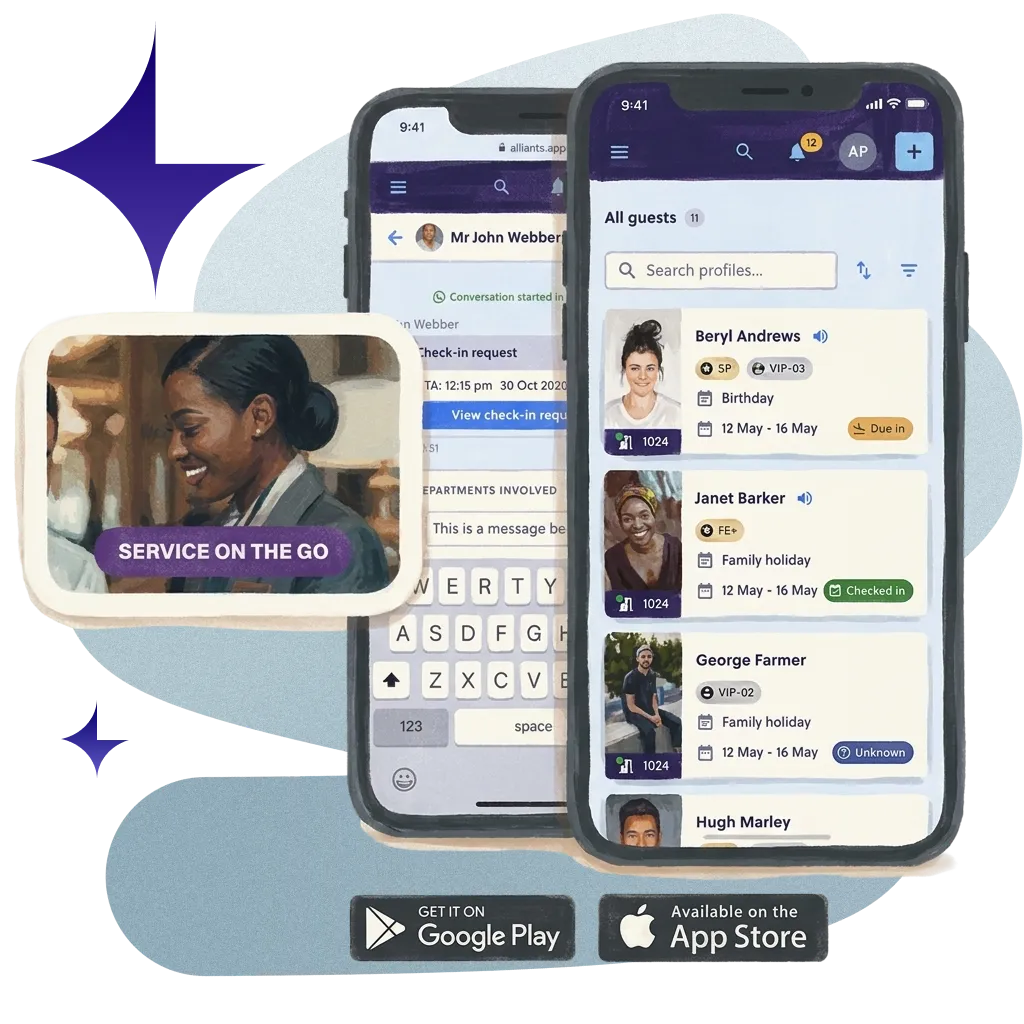
One workspace for every team member, on every shift, on whatever device is to hand.
70M+ guest experiences across hundreds of thousands of rooms.















































Start every shift on one page.
Every shift starts on one page: arrivals, VIPs, departures, room readiness, open issues and the overnight handover.


Works on Any Device
The same workspace on desktop, tablet and phone, in any modern browser. Add it to the home screen; there is nothing to install.

Never Miss a Guest
Unread counts on the browser tab, a soft chime for each new message or request, and a bell for alerts that need you.

Find Anything Fast
Search for any guest from anywhere with one shortcut, and save the views your team uses most for yourself, a property or the brand.

Quick, Secure Sign-In
Staff sign in with a passkey, using Face ID or a fingerprint, with single sign-on and two-step checks where you need them.
Real hotels.
Real feedback.
Real Feedback.
Hear from the hotel teams who work with us every day.
Automate ordinary
Deliver extraordinary
VIP at 15:00. Suite ready by 14:00.
Today's VIPs and room readiness on one page. The welcome's planned. Even the flowers know their cue.

Leak in 207 at 03:00. Morning team knows.
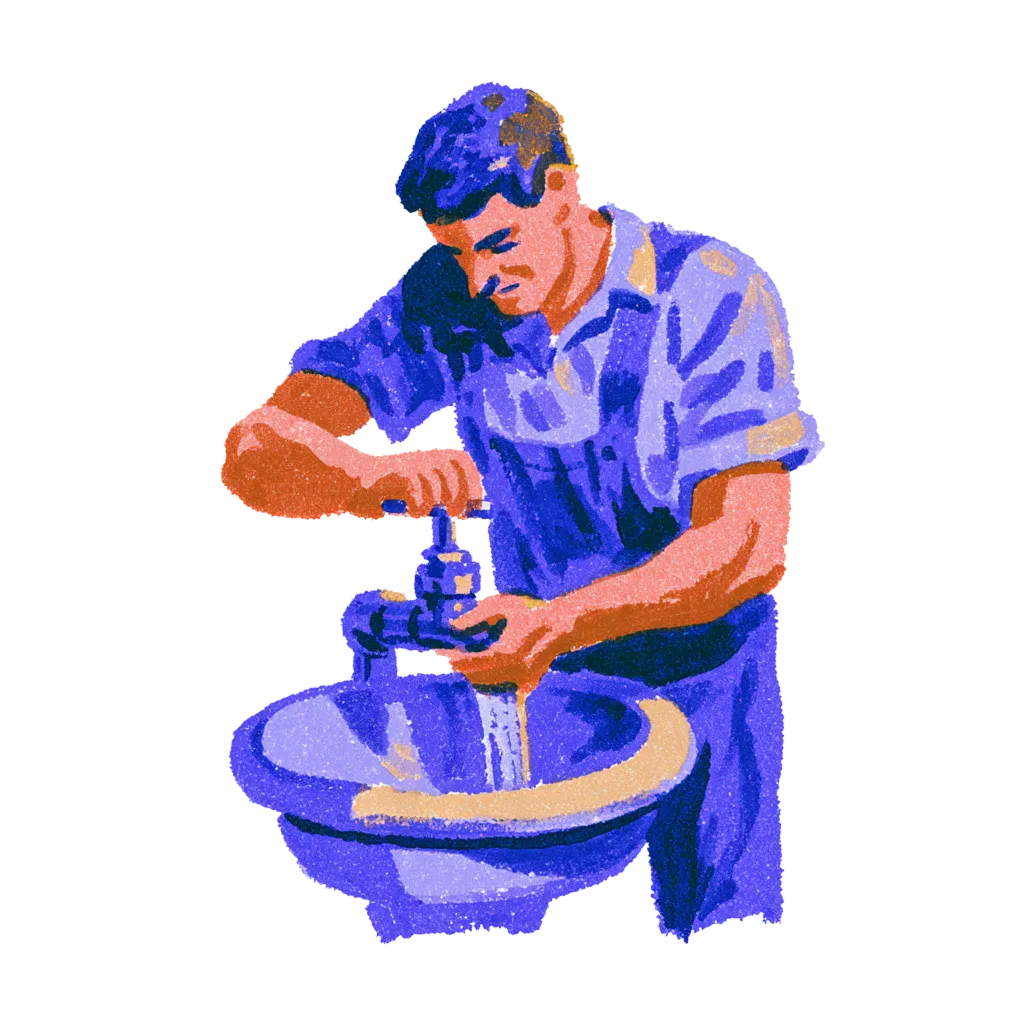
The overnight handover waits on the Today page. Nobody asks the guest to explain it twice.
Extra blanket, Room 312.
Ding. Delivered.

Your systems, finally talking to each other.
You do not need more software. You need fewer tools that work together. Alliants puts the whole stay in one place.



Upgrade your digital guest journey today.
With decades of hospitality knowledge, our experience experts know how to deliver change for your property.

Questions? Answers.
Straight answers for hotel people who want to know how it works.
The Basics
What is the Staff App?
It is the workspace every hotel team member uses. It brings the day's briefing, guest search, conversations, requests and bookings into one app with shared navigation, alerts and shortcuts.
Who uses the Staff App?
Front office, concierge, guest services, operations and management teams. Each person sees only the modules, settings and properties their permissions allow.
Is it a separate product from the other Alliants modules?
No. It is the front end of alliants.ai. Each module, such as Messaging, Concierge, Contactless, Keys or Engage, appears in the same app when it is switched on for your brand.
For Your Team
What does a shift start with?
The Today briefing for the selected property: headline counts, an attention banner, arrivals and departures, VIP arrivals, an hour-by-hour timeline and room readiness. Open issues with service-level timers, the overnight handover and a morning report that refreshes through the day sit on the same page.
How do staff find a guest quickly?
With Cmd/Ctrl-K from any page, which shows recent guests and stay status in the results. Staff can also find a guest by booking confirmation number, and save filters and views for themselves, a property or the whole brand.
How will staff know a guest is waiting?
Unread conversation counts show on the browser tab, a short chime plays for each new message and service request, and a bell in the top bar collects alerts such as an overdue service order. New arrivals are also announced to screen readers.
Can staff work on several guests at once?
Yes. Staff minimise up to five open items, such as a booking, to a taskbar, and new requests dock beside the page they are on. Unsent replies and notes survive a refresh, and staff who cover several properties switch between them from one selector.
Is there an AI assistant, and who controls it?
Yes, if you choose to switch it on. The assistant is optional for each brand and needs its own permission, so you decide who can use it. Staff open it from any page with Cmd/Ctrl-J and can ask about today's briefing in plain words.
Set-Up and Integrations
Which devices does the Staff App work on?
Any modern browser on desktop, tablet or phone. Pages adapt to a phone screen, and staff can add the app to a phone or tablet home screen and open it full screen. There is nothing to install.
Which languages does it support?
Seven: English, German, French, Spanish, Simplified Chinese, Traditional Chinese, and Arabic, which switches the whole interface to a right-to-left layout. Date and time pickers follow each user's language and region.
What do we need to set up?
Very little. The Staff App is included with every alliants.ai brand. You choose whether staff sign in through your own identity provider, and optional features, such as multi-factor authentication and Academy, are set up for your brand during onboarding.
Security and Data
Is Alliants certified for information security?
Yes. Alliants is ISO 27001 certified. Security is built into the platform, from how staff sign in to how guest data is stored and erased.
Where is our data hosted?
On Amazon Web Services, in one regional deployment for your brand: Europe, the United States or Asia Pacific. Each brand has its own dedicated database, and data is encrypted in transit.
How do our staff sign in?
With your own single sign-on, so access follows the groups in your staff directory, or with passkeys using Face ID, a fingerprint or a device PIN, and passwords that meet your brand's rules. Multi-factor authentication can be required for your brand, and sessions end after a period of inactivity, with a warning first.
Can we control who sees what?
Yes. Permissions are role-based and scoped per property, and navigation, search and every module entry are shown only to people who hold the matching permission.
What happens to unsent drafts on a shared front desk computer?
They stay in that browser tab only. Unsent drafts expire after 24 hours and are cleared at sign-out, and everything the app keeps in the tab is cleared when the tab closes.
Getting Started
How do we get the Staff App?
It is included with every alliants.ai brand. The modules each person sees depend on what is switched on for your brand and the permissions they hold. Talk to our team about how it is packaged for your properties.
How can we see it working?
Talk to our team. We will show you the module running in a hotel like yours and talk through how it would fit your properties and systems.
Have more questions?
Or just want to get started?
Talk to a real person. We know hospitality.
Alliants Staff App
Works even better with
Every Alliants product reads from the same guest profile, so each one makes the next more useful.
Alliants Messaging
Every guest, every language, in one shared inbox.

Alliants Agents
Routing and escalation that run quietly in the background.

Alliants Insights
One clear view of how every hotel performs.

Alliants Core Platform
One trusted profile for every guest, across every property.
Certified, trusted and secure