
Unlock your room with iPhone and Apple Watch
Access hotel spaces with your key in Apple Wallet—from your hotel room to fitness areas and other common spaces. Simply hold your iPhone or Apple Watch near the door lock. It’s easy, convenient, and private.
Setup is quick and easy
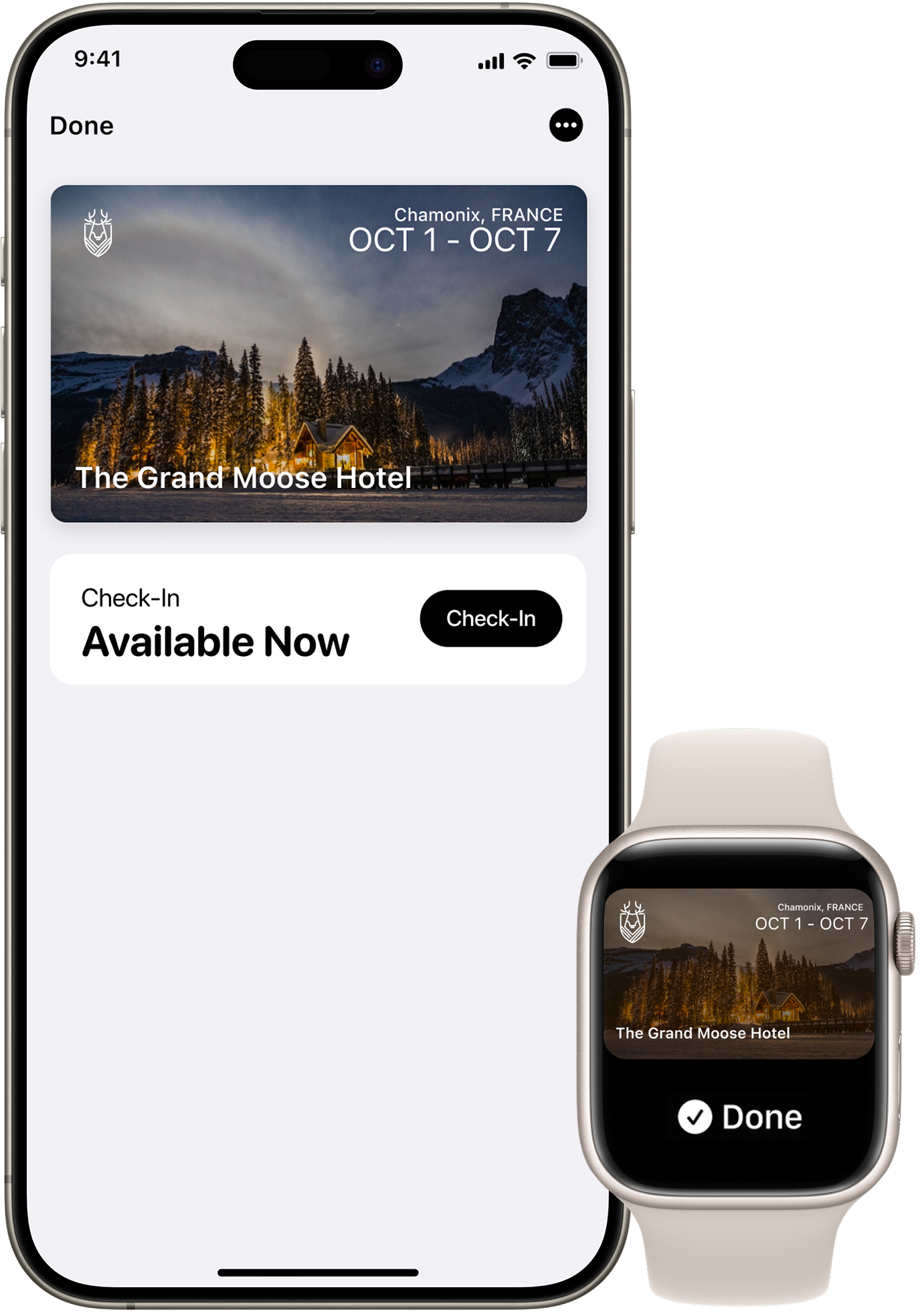
Before you arrive, open your hotel or resorts app to add your room key to Apple Wallet on your iPhone or Apple Watch. Once you complete the check-in process in the app, your room key will be activated and ready to go. Then just use your iPhone or Apple Watch to unlock your room and other spaces.

Express Mode
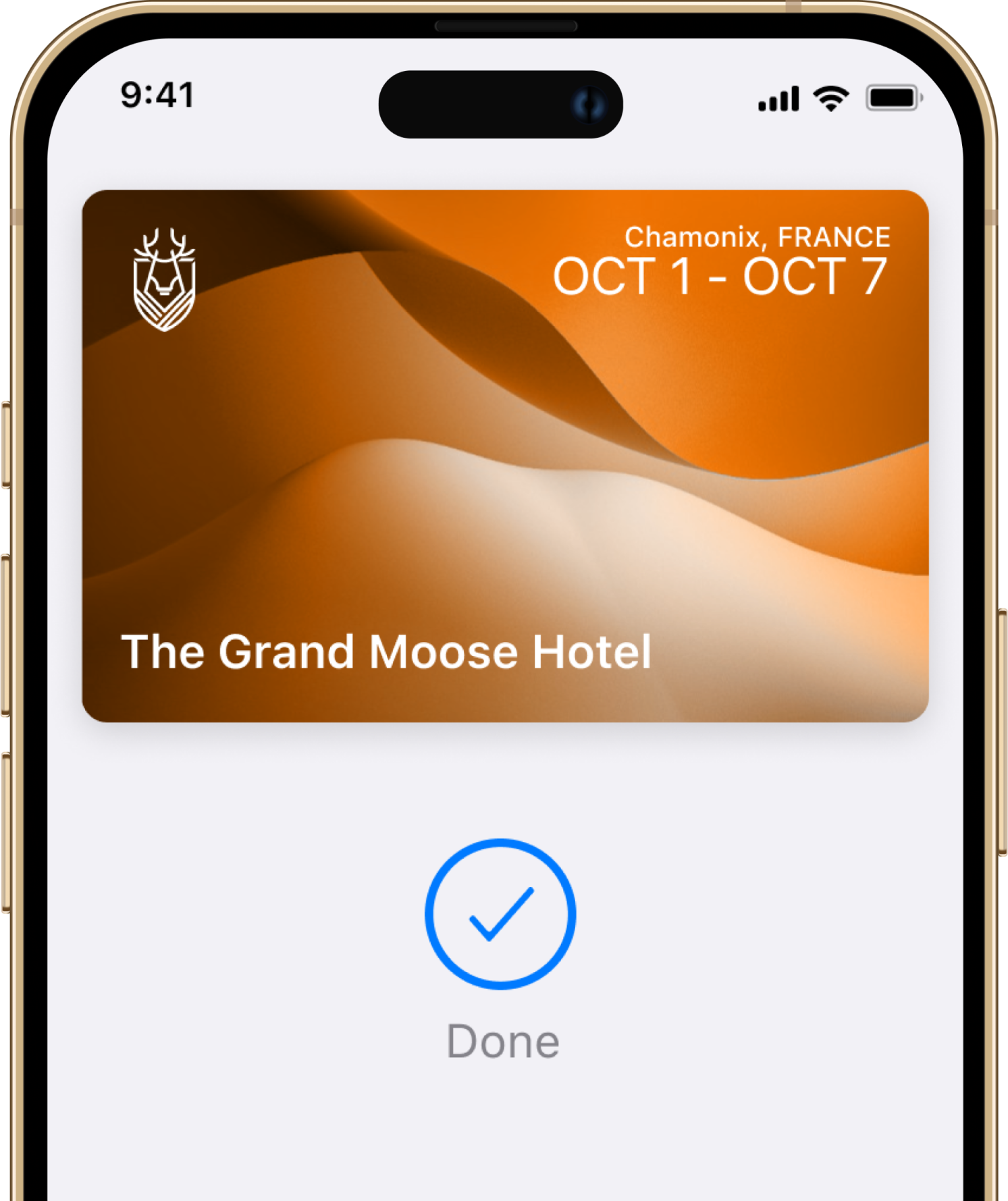
With Express Mode, you don’t need to wake or unlock your iPhone or Apple Watch.

Easy check-in
Skip the lobby and go straight to your room without a physical key.

Automatic room updates
It’s easy, convenient, and private.

Power Reserve
Even without a charge, your iPhone still gets you in.
Questions? Answers.
Straight answers for hotel people who want to know how it works.
Troubleshooting
I cannot add or use my room key in Apple Wallet. What do I do?
Try these basic troubleshooting steps: update to the latest version of iOS or watchOS; confirm that you have Face ID, Touch ID, or a passcode set on your device; check that your Apple Account is signed into iCloud with two-factor authentication turned on; and check whether Apple's terms and conditions were accepted in your settings when logging into iCloud.
Why can I only use a room key in Apple Wallet at some hotels?
There are currently a select number of hotels that can support room key in Apple Wallet. Other properties will be adding support soon.
Security and Privacy
How secure are keys in Apple Wallet?
When your room key is added to Apple Wallet on your iPhone and Apple Watch, it is stored on your device, which means Apple does not see the spaces you access or when. Your data is private and secure.
What should I do if my iPhone or Apple Watch is lost or stolen?
Use the Find My app or iCloud.com to suspend, deactivate or reactivate your device in Apple Wallet.
What are the best practices for securely sharing my room key in Apple Wallet?
Share your room key with trusted individuals only. For secure delivery, use Messages, with end-to-end encryption. You can also protect shared keys with a PIN code, which should be shared through a secondary channel.
If I lose my phone, what happens to the room keys I have shared with others?
If you lose your iPhone or Apple Watch, contact the front desk immediately. They can deactivate your room key. Additionally, use the Find My app or iCloud.com to mark your device as lost. This will deactivate all your cards and keys in Apple Wallet as soon as your device is connected. The keys you have shared with others will continue to function unless specifically revoked by the front desk or through your Apple Wallet.
Does sharing my room key give others access to my personal information?
No. When you share your room key in Apple Wallet, you are only sharing access to your room. No personal information, reservation details, or payment information is shared.
Sharing Your Key
Can I share my room key in Apple Wallet with other guests staying with me?
Yes. You can securely share your room key with family members or friends who are staying in your room. Simply open your room key in Apple Wallet and select the share button.
Is there a limit to how many times I can share my room key?
You can share your room key with a limited number of people at a time. Check with your hotel for the exact limit.
Do the people I share my room key with need a reservation at the hotel?
No, the people you share your room key with do not need their own reservation. However, they must be authorised guests staying in your room, and the total number of guests must comply with your room's occupancy limits.
Can I share my room key with someone who has an Android device?
At this time, recipients must have an iPhone or Apple Watch in order to add a room key shared through Apple Wallet to their device.
Can a recipient share my room key with another person?
No, a key that has been added to Apple Wallet through key sharing cannot be re-shared by the recipient. Only the original sender can initiate sharing.
Using Your Key
Can I use room keys in Apple Wallet if I have a reservation for multiple rooms?
Yes. Your room key will be automatically activated for each room that you have reserved.
Where can I use a room key in Apple Wallet?
In addition to your room, your room key can also be used to access the same hotel spaces where you would use a physical key, such as the lift, main entrance, night entrance, fitness centre and common areas. Room key access to other areas may differ by hotel location.
Do I need to unlock my iPhone to use my room key in Apple Wallet?
With Express Mode, you do not need to wake or unlock your iPhone or Apple Watch to use your room key in Apple Wallet. By default, Express Mode is turned on.
Can I still use my room key in Apple Wallet if my iPhone needs to be charged?
Power Reserve provides up to five hours of access after your iPhone battery needs to be charged. This feature is only available on iPhone XS, iPhone XS Max, and iPhone XR or newer.
On how many devices can I use my room key in Apple Wallet?
You can use your room key on up to two iPhones and two Apple Watches. They all need to be signed into the same iCloud account and Apple Account.
Getting Started
What is room key in Apple Wallet?
You can add your room key to Apple Wallet and access hotel spaces with only your iPhone and Apple Watch. It is easy, convenient, and private.
How do I set up and use a room key in Apple Wallet?
A room key can be added to Apple Wallet after you book a reservation. After completing the online check-in, tap the Wallet icon to add your key. The room key will automatically activate once you check in and your room has been assigned. To use your room key, simply hold your iPhone or Apple Watch near the door lock.
What do I need to get started with room key in Apple Wallet?
An iPhone or Apple Watch running the latest version of iOS or watchOS, and an Apple Account signed into iCloud.
How can I add a room key to my Apple Watch?
When you add a room key to Apple Wallet on your iPhone, a room key will automatically be added to Apple Wallet on your paired Apple Watch. Once added, simply hold your Apple Watch near the reader.
Still have questions?
Talk to a real person. We know hospitality.
Certified, trusted and secure