

Skip the Queue, Not the Welcome
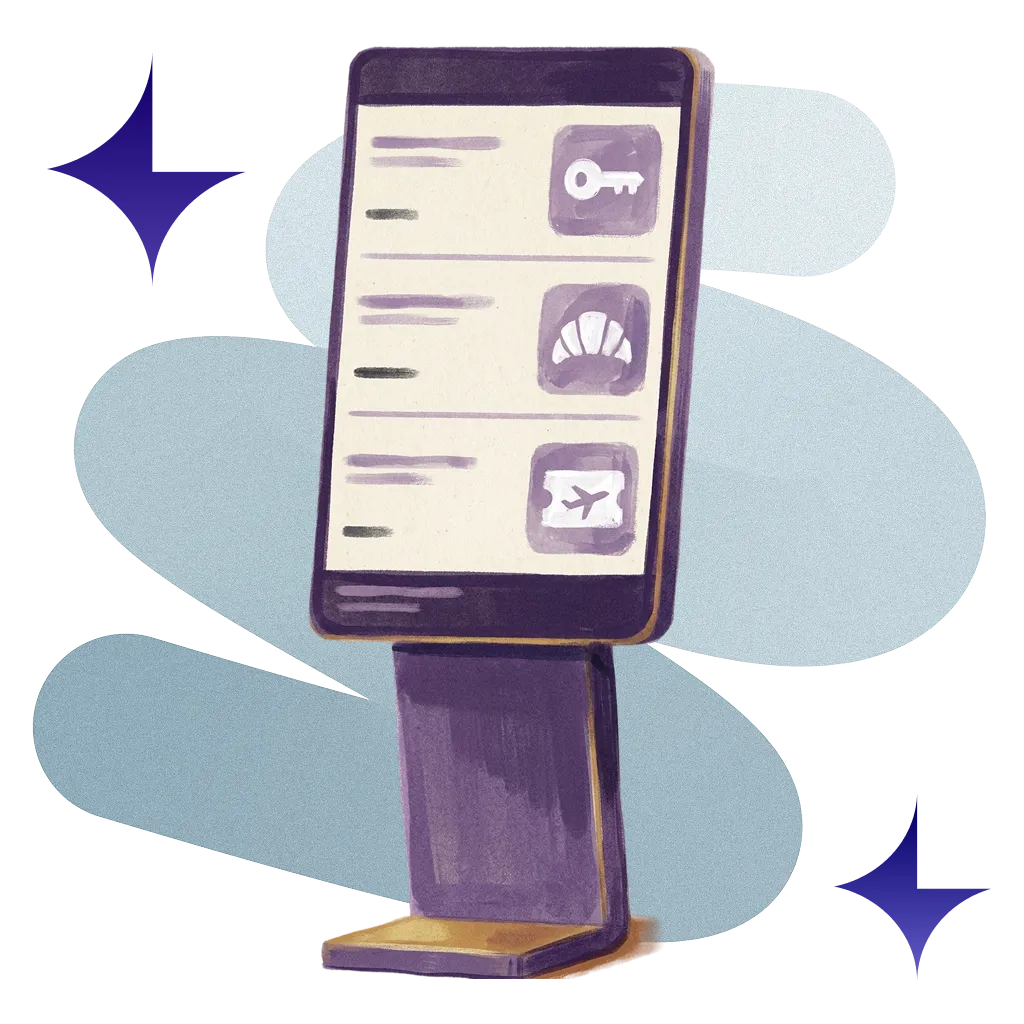
A self-service check-in terminal for your lobby. Guests find their booking, verify their ID, pay and collect their key without queuing at the desk.
70M+ guest experiences across hundreds of thousands of rooms.

















































A self-service check-in for your lobby.
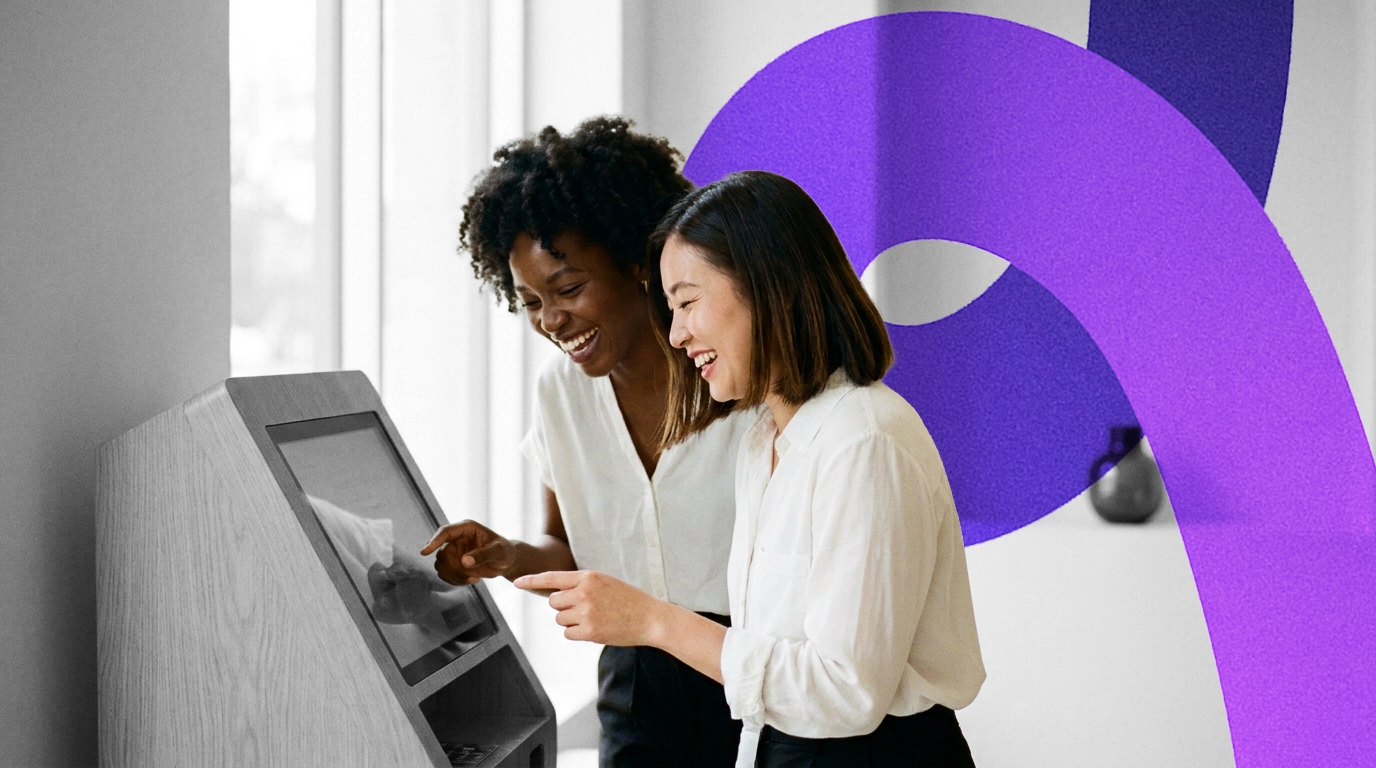
Guests find their booking and check in at the kiosk, using the same check-in you already run on web and in your app.

ID at the Kiosk
Guests scan their photo ID with the kiosk camera, and your team sees the verification result on the check-in.

Pay at the Terminal
Guests tap their card on the property's payment terminal to secure the stay, and the payment shows on the check-in.

Key Collection
Guests collect a key card encoded at the kiosk, or carry on to their phone for ID in Apple Wallet and a digital key.

Your Own Steps
Choose which check-in steps appear at the kiosk, from guest details and custom questions to signed terms.
Real hotels.
Real feedback.
Real Feedback.
Hear from the hotel teams who work with us every day.
Automate ordinary
Deliver extraordinary
12 footballers. Zero queue.
They check themselves in. Your team hands out water. What a save!

Self-service at 02:00. Hot chocolates for the little ones.
Delays can be painful. The night porter does make an amazing hot chocolate, though.

Rather chat to a person? Even better.
Regulars breeze through. First-timers and VIPs get your team's full attention.

Your systems, finally talking to each other.
You do not need more software. You need fewer tools that work together. Alliants puts the whole stay in one place.
























Upgrade your digital guest journey today.
With decades of hospitality knowledge, our experience experts know how to deliver change for your property.

Questions? Answers.
Straight answers for hotel people who want to know how it works.
The Basics
What is Kiosks?
A self-service check-in terminal for your lobby. The kiosk runs the same check-in as your guest web app and guest app, so each kiosk check-in lands on the same booking, guest profile and check-in queue as a check-in from a phone, and is written back to your Property Management System (PMS) in the same way. Availability depends on your property; ask your Alliants contact.
Will Kiosks work at our hotel?
Kiosks run on the same check-in, payments and keys as the rest of the platform. Our team will check your property management, payment and lock systems and talk you through what your lobby needs.
For Your Guests
What do guests do at the kiosk?
They find their booking and complete the check-in steps you choose for the kiosk, from guest details and custom questions to signing your terms. The signed registration card is stored against the booking. Availability depends on your property; ask your Alliants contact.
How do guests verify their ID at the kiosk?
They scan their photo ID with the kiosk camera, after your consent text is shown. The kiosk can also send guests to their own phone to share the ID in their Apple Wallet, then bring them back to check-in. Your team sees the result on the check-in and in the guest's profile. Availability depends on your property; ask your Alliants contact.
How do guests pay at the kiosk?
They tap their card on your property's payment terminal. The authorisation completes the card step of check-in, and the payment shows in the staff check-in view. If a guest's card failed when they checked in on their phone, paying at the kiosk lets check-in carry on. Availability depends on your property; ask your Alliants contact.
How do guests get their room key?
They collect a key card encoded at the kiosk, issued against their booking and room in your lock system. Guests who check in at the kiosk can also receive a digital key on their phone. Availability depends on your property; ask your Alliants contact.
For Your Team
Can we choose which check-in steps appear at the kiosk?
Yes. Kiosk check-in is switched on per property alongside web and app check-in, and each check-in step can be shown, hidden or made required for the kiosk separately from web and app. Availability depends on your property; ask your Alliants contact.
Will our team see kiosk check-ins?
Yes. Kiosk check-ins appear in the staff check-in queue and sidebar with every completed step, including the ID result and the terminal payment. Availability depends on your property; ask your Alliants contact.
Do our usual check-in rules apply at the kiosk?
Yes. Your check-in windows, booking-code rules and automatic room assignment apply to kiosk check-ins exactly as they do online. Availability depends on your property; ask your Alliants contact.
Set-Up and Integrations
What does a kiosk need?
The kiosk is a native iOS app. ID scanning needs kiosk mode on your property's ID verification integration, terminal payments need Oracle OPERA terminals, and key cards need a supported lock system with an encoder linked to the kiosk. Availability depends on your property; ask your Alliants contact.
Which systems does it work with?
Check-in is written back to your PMS as it is for online check-in. ID capture uses Incode, payments use Oracle Payment Interface terminals, and key cards are encoded for dormakaba, Salto and Assa Abloy Vostio locks. Availability depends on your property; ask your Alliants contact.
How are kiosks set up and managed?
Each kiosk is registered as a device at one property and adopted by Alliants support before it can be used. Payment terminals are imported from your PMS and encoders from your lock system. Where the kiosk sends guests next is set on the platform, so changes need no kiosk update. Availability depends on your property; ask your Alliants contact.
Do staff or guests need to install anything?
No. Staff use alliants.ai in any modern browser, and guests use the kiosk in your lobby, with nothing to download.
Security and Data
Is Alliants certified for information security?
Yes. Alliants is ISO 27001 certified. Security is built into the platform, from how staff sign in to how guest data is stored and erased.
Where is our data hosted?
On Amazon Web Services, in one regional deployment for your brand: Europe, the United States or Asia Pacific. Each brand has its own dedicated database, and data is encrypted in transit.
How do our staff sign in?
With your own single sign-on, so access follows the groups in your staff directory, or with passkeys and passwords that meet your brand's rules. Multi-factor authentication can be required for your brand, and access is removed as soon as a colleague is deactivated.
Can we control who sees what?
Yes. Roles are scoped to your brand, a property or a department, with separate permissions for sensitive guest details and exports. You can start from hospitality templates or set up your own roles.
How are guests' cards protected at the kiosk?
Cards are captured by the payment provider's terminal and tokenised, and Alliants never stores full card numbers. Availability depends on your property; ask your Alliants contact.
Getting Started
How do we get Kiosks?
Talk to our team about adding Kiosks to your properties and how they fit alongside your other Alliants modules.
How can we see it working?
Talk to our team. We will show you the module running in a hotel like yours and talk through how it would fit your properties and systems.
Have more questions?
Or just want to get started?
Talk to a real person. We know hospitality.
Alliants Kiosks
Works even better with
Every Alliants product reads from the same guest profile, so each one makes the next more useful.
Alliants Contactless
Let guests check in and out from their own phone.
Alliants Payments
Take payments securely, without ever handling a card.
Alliants Digital Keys
Put the room key in the guest's wallet.

Alliants Core Platform
One trusted profile for every guest, across every property.
Certified, trusted and secure