
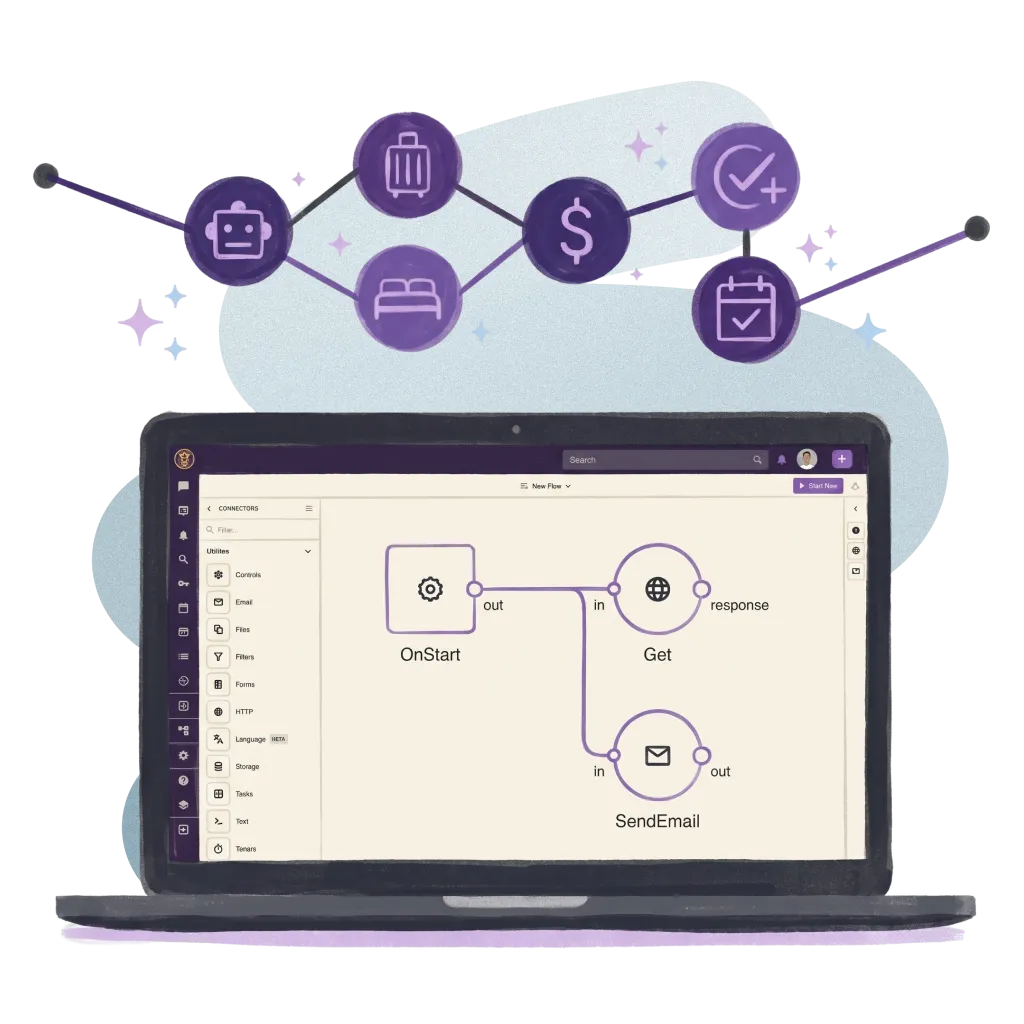

Less Admin, More Hospitality
Routing, escalation and after-hours rules that run in the background, so staff spend less time on admin and more time on hospitality.
70M+ guest experiences across hundreds of thousands of rooms.

















































Send every message to the right team, automatically.
Guest messages go straight to the right department, and new work goes to the team member with the lightest load.
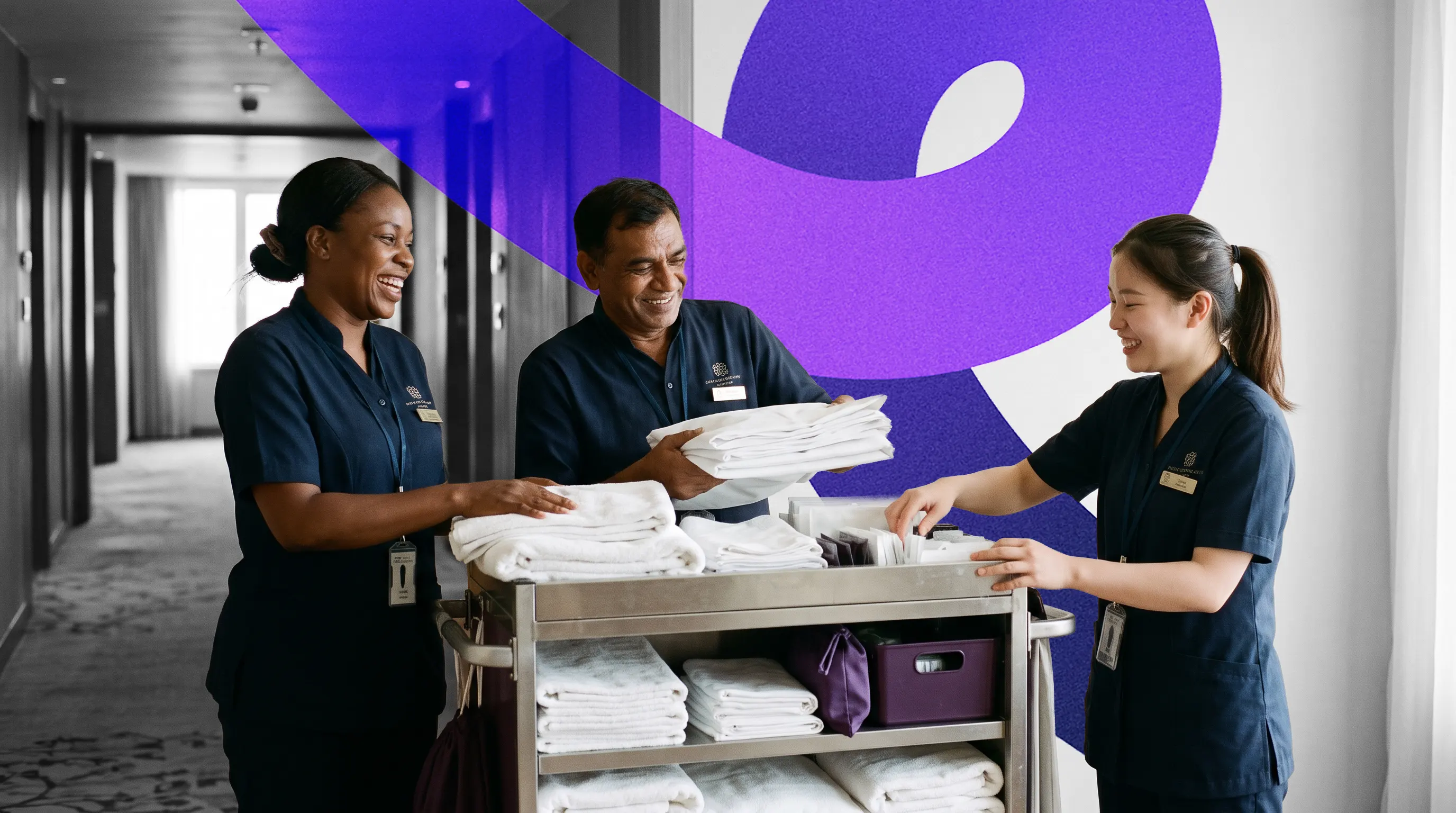

Smart Escalation
When a guest message or request waits too long, the right colleagues get a push alert or an email before the guest has to chase.

After-Hours Cover
Outside opening hours, guests get an instant reply in your words, and response timers follow each department's own hours.

Set Your Own Rules
Managers set response times, alerts and opening hours for each department in settings, and change them without a developer.

Connected Triggers
Messages from every channel, and work arriving from your connected systems, follow the same routing and escalation rules.
Real hotels.
Real feedback.
Real Feedback.
Hear from the hotel teams who work with us every day.
Automate ordinary
Deliver extraordinary
Red wine. White carpet. Help's coming.
Straight to the least busy housekeeper. At the door in minutes. No pass-the-parcel.

Cot promised by 19:00. Delivered 18:55.
Still open at 18:45, so the team got nudged. The parents never had to ring.

Checked in at 16:00. Bags in the room by 16:10.
Check-in fires one flow. The porters' system gets the job before the lift arrives. Nobody shouts "front!" any more.

Your systems, finally talking to each other.
You do not need more software. You need fewer tools that work together. Alliants puts the whole stay in one place.
Upgrade your digital guest journey today.
With decades of hospitality knowledge, our experience experts know how to deliver change for your property.

Questions? Answers.
Straight answers for hotel people who want to know how it works.
The Basics
What are Agents?
Agents are the automations and flows that keep guest conversations and requests moving. They decide which department owns each conversation, who picks it up, what happens when a reply is overdue, and what guests hear outside opening hours. They run inside our platform, on the same live messages, requests, check-ins and approvals your team already handles, with no middleware in between.
Who uses Agents?
Guest services, front office and department managers. Managers set the rules in the staff app settings, and Agents then run them on their own in the background.
Is this where we build guest messaging journeys?
No. Timed, trigger-based guest journeys are built in Engage, which uses the same platform events. A journey can start when a booking is made, changed or checked in, or when a request is created or resolved, and checks the guest's consent before any message is sent. Engage is switched on per brand.
For Your Guests
What happens when a guest writes while we are closed?
They get an instant reply from a template you choose. Response timers follow each department's own opening hours, so the clock starts again when the department opens rather than overnight.
Can the out-of-hours reply go out in the guest's language?
Yes. The reply goes out in the guest's language where it is known, you can choose which conversation types receive it, and Allin AI does not also answer the same message. Availability depends on your property; ask your Alliants contact.
For Your Team
How do guest messages reach the right department?
Each messaging channel can belong to a department, so its conversations go straight to that team. Anything that does not match falls back to the property's default department, so nothing arrives unowned. Staff can still transfer a conversation or loop another department in, and automatic routing never overrides a transfer made by hand.
Can new work go to the least busy colleague?
Yes, if you switch on auto-assign for a department. New work goes to the active colleague with the fewest open items, and you can set a maximum per person so anyone at capacity is skipped. The colleague who is picked gets an in-app notification and a push alert.
What happens when a guest has waited too long for a reply?
A response rule fires. You set how many minutes each department has to respond, and when time runs out, named colleagues get a push alert or the escalation goes to a team inbox. A reply from the team cancels the timer, and timers are checked every minute. We can also set up a rule to bring a backup department into the conversation.
What can escalation rules watch?
Guest messages, service requests, check-in and check-out submissions, and authorisation requests. You can scope a rule to text messages, images or both, and to the item types that matter to that team.
Do we need a developer to change the rules?
No. Managers with the conversation-configuration permission, brand admins by default, set response times, alerts and opening hours for each department in the staff app settings. In-app lessons walk them through setting up rules and triaging escalations. Retired rules are kept on record, so past escalations still show which rule applied.
Set-Up and Integrations
Which messaging channels do the rules cover?
Every messaging channel on the platform: text messages, WhatsApp, web chat, Messenger, Instagram, Telegram, LINE, Viber and guest email. Requests and service orders created by your PMS and other connected systems follow the same department routing.
Can platform events reach our own systems?
Yes. We register your endpoints during onboarding, and events are signed so your system can confirm they came from Alliants, with automatic retries on failure. For example, your systems are told when a guest withdraws consent, and an Engage journey can call your system instead of sending a message.
How do we get it set up?
Routing, escalation rules and opening hours are available to every brand on the platform and set per department in the staff app. Auto-assign is switched on per department. We set up backup-department escalation, after-hours forwarding and webhook endpoints with you during onboarding.
Security and Data
Is Alliants certified for information security?
Yes. Alliants is ISO 27001 certified. Security is built into the platform, from how staff sign in to how guest data is stored and erased.
Where is our data hosted?
On Amazon Web Services, in one regional deployment for your brand: Europe, the United States or Asia Pacific. Each brand has its own dedicated database, and data is encrypted in transit.
How secure are the webhooks?
Outgoing events are signed with HMAC-SHA256, and signing secrets are encrypted at rest and never returned by the API. Calls to private or unsafe addresses are refused, and events from connected systems are stored before they are acknowledged, so none are lost if processing is delayed.
How do you handle guest data requests?
When a guest asks to be erased, the request clears their data across related records, including conversations, and keeps a record of what was cleared without holding any guest details. Consent is held per channel and checked before any message is sent. Escalation email addresses are hotel staff addresses, removed with the property or brand.
Getting Started
How do we get Agents?
Routing, escalation rules and opening hours come with every brand on the platform. Talk to our team about how the rest of Agents is packaged for your properties.
How can we see it working?
Talk to our team. We will show you the module running in a hotel like yours and talk through how it would fit your properties and systems.
Have more questions?
Or just want to get started?
Talk to a real person. We know hospitality.
Alliants Agents
Works even better with
Every Alliants product reads from the same guest profile, so each one makes the next more useful.
Alliants Messaging
Every guest, every language, in one shared inbox.

Alliants Allin AI
An AI sidekick that answers guests and helps your team.
Alliants Staff App
One workspace for every team member, on every shift.

Alliants Insights
One clear view of how every hotel performs.
Certified, trusted and secure