
Straight to the Room
Guests go straight to their room with a key on their phone, and your team manages every key from one screen.
70M+ guest experiences across hundreds of thousands of rooms.

















































Put the room key in their wallet.
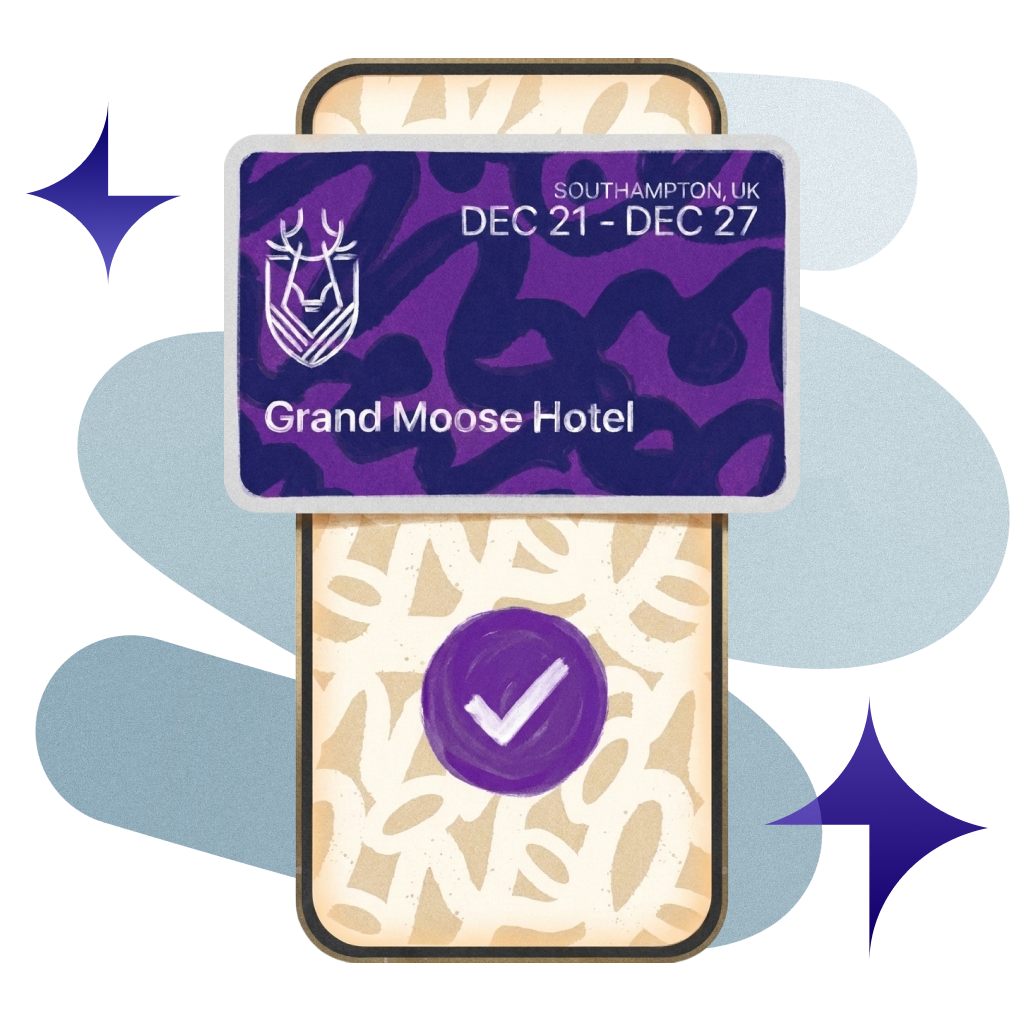
Guests add their room key to Apple Wallet and open the door with a tap of their iPhone or Apple Watch.
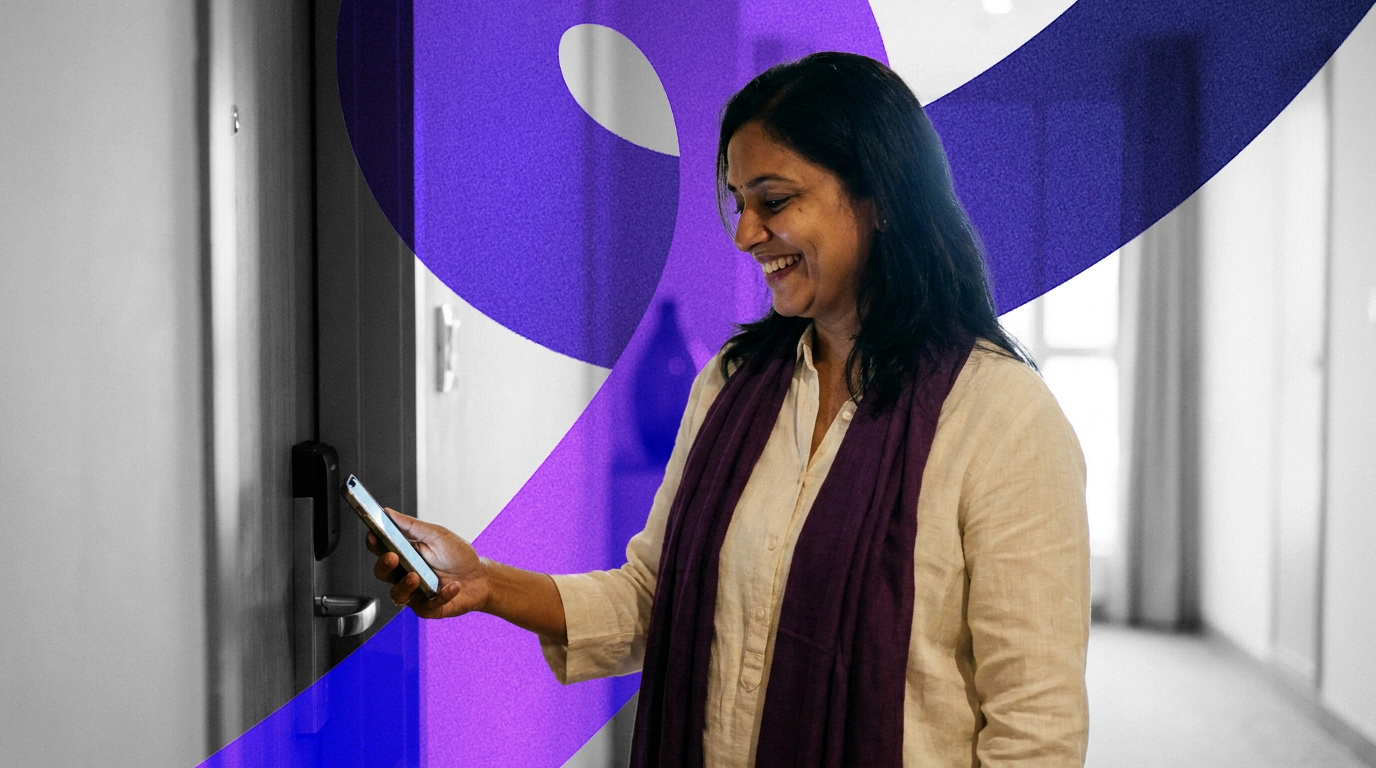

Instant Access
Keys are issued the moment a guest is checked in, online or at the desk, so return guests go straight to their room.

Fully Integrated
Works with the leading hotel lock systems for mobile, wallet and card keys, so you keep the doors you already have.

Always in Control
Keys switch off at check-out or a room move, and staff can revoke any key at once if a phone goes missing.

Multi-Room Support
Every room on a booking gets its own key, ideal for families and groups travelling together.
Real hotels.
Real feedback.
Real Feedback.
Hear from the hotel teams who work with us every day.
Automate ordinary
Deliver extraordinary
Back from a run. No pockets. No problem.
One tap of the Apple Watch. Gym, lift and room doors open.

Lead booker shares the keys. Everyone's in.
Shared from Apple Wallet. Each guest gets their own key and the booker stays in charge.
Phone left in a taxi. Room still safe.
Key switched off in seconds. Fresh card issued.

Your systems, finally talking to each other.
You do not need more software. You need fewer tools that work together. Alliants puts the whole stay in one place.
















Upgrade your digital guest journey today.
With decades of hospitality knowledge, our experience experts know how to deliver change for your property.

Questions? Answers.
Straight answers for hotel people who want to know how it works.
The Basics
What is Digital Keys?
Digital Keys puts the room key on the guest's phone. Keys are issued automatically when a guest is checked in, are reissued when the guest changes room, and switch off at check-out. Front office, guest services and IT teams see and manage every key from one screen in the staff app.
Does it work with the locks we already have?
Yes, if your property runs a supported lock system: Salto, dormakaba (including Ambiance, System 6000 and LEGIC) or Assa Abloy (including Vostio). You choose the lock system for each property, and we set up the lock connection during onboarding.
For Your Guests
How do guests get their key?
Once checked in, iPhone guests add their room key to Apple Wallet from the guest web app and open the door with a tap of their iPhone or Apple Watch. Brands with their own mobile app can also offer Bluetooth and NFC keys in that app. Every room on a booking gets its own key.
What about guests with Android phones?
Android guests use your hotel's own app, which can hold Bluetooth and NFC keys. The guest web app offers Apple Wallet keys today. Google Wallet keys exist on some lock systems; availability depends on your property, so ask your Alliants contact.
Can guests share their key with someone travelling with them?
Yes, where it is available. Guests share their room key using Apple Wallet's own sharing, and each recipient gets their own pass that the owner can manage. You set how many invitations each key allows, and keys shared before check-in do not show the room number. Availability depends on your property; ask your Alliants contact.
Can guests see a door PIN instead of a wallet key?
Yes, if your property management system (PMS) supplies one and you switch it on. Checked-in guests then see their door PIN and room number in the guest web app. PIN requests are rate-limited and never cached.
Can we brand the wallet pass?
Yes. You set the pass logo, strip image, colours and wording for your brand or for each property, and can send a test pass before go-live.
For Your Team
What happens to a key when a guest changes room or checks out?
Your property management system drives it, so nobody has to remember to cancel it. When a guest changes room, the old key is revoked and a new one issued. When the booking is checked out, keys are revoked straight away.
What if a guest loses their phone?
Your team can switch the key off at once. Staff revoke any key from the keys screen, with an optional reason, and can then issue a new key for the guest.
What does our team see?
One screen for every key at the property: guest, room, platform, key type, and issue and expiry dates. Checked-in bookings with no key show as 'No key' rows so the desk can follow up, and staff can search, filter and save views for themselves or the team.
What happens if a key fails to issue?
It is recorded, retried on a schedule and flagged to your team. Before issuing, the system checks for an existing live key, so retries never create a second key.
Can key activity trigger guest messages?
Yes, if you switch it on. Key issued, revoked and expired events can start an Engage journey, such as a welcome message, and wallet pass events can be sent to your own systems by webhook.
Set-Up and Integrations
How does it connect to our property management system?
Your PMS drives the key. Check-in, room moves and check-out in your PMS trigger key issue and revocation, whether the guest checked in online or at the desk.
How is Digital Keys set up?
We switch Digital Keys on for your brand and configure each property during onboarding: lock system, key types and wallet settings. Wallet keys need a supported lock system, and the staff app shows whether each property's lock system is reachable and which key types it supports.
Do staff or guests need to install anything?
No. Staff use alliants.ai in any modern browser, and guests use a web app that opens from a link, with nothing to download. Wallet keys live in Apple Wallet on the guest's iPhone or Apple Watch.
Security and Data
Is Alliants certified for information security?
Yes. Alliants is ISO 27001 certified. Security is built into the platform, from how staff sign in to how guest data is stored and erased.
Where is our data hosted?
On Amazon Web Services, in one regional deployment for your brand: Europe, the United States or Asia Pacific. Each brand has its own dedicated database, and data is encrypted in transit. Keys are fenced to the brand that owns the booking.
How are keys and lock credentials protected?
Lock-system and wallet signing credentials are held in AWS Secrets Manager, never in the database. Wallet key and door PIN requests need a checked-in booking and are rate-limited per guest, and staff need separate permissions to view keys and to issue or revoke them.
How do you handle guest data requests?
When a guest asks to be erased, the request clears their data across related records, and data past your retention period is removed. Key events passed to journeys carry only identifiers, never key data, and logs scrub personal data.
Getting Started
Which bundles include Digital Keys?
Digital Keys is part of the Seamless Bundle, the Keys Bundle and the All-In Bundle. Pricing is agreed for your properties, so talk to our team about which bundle fits.
How can we see it working?
Talk to our team. We will show you Digital Keys running in a hotel like yours and talk through how it would fit your properties and systems.
Have more questions?
Or just want to get started?
Talk to a real person. We know hospitality.
Alliants Digital Keys
Works even better with
Every Alliants product reads from the same guest profile, so each one makes the next more useful.
Alliants Contactless
Let guests check in and out from their own phone.

Alliants Kiosks
Self-service check-in for your lobby, without the queue.
Alliants Guest App
Your brand's digital front door, on web and mobile.

Alliants Messaging
Every guest, every language, in one shared inbox.
Certified, trusted and secure